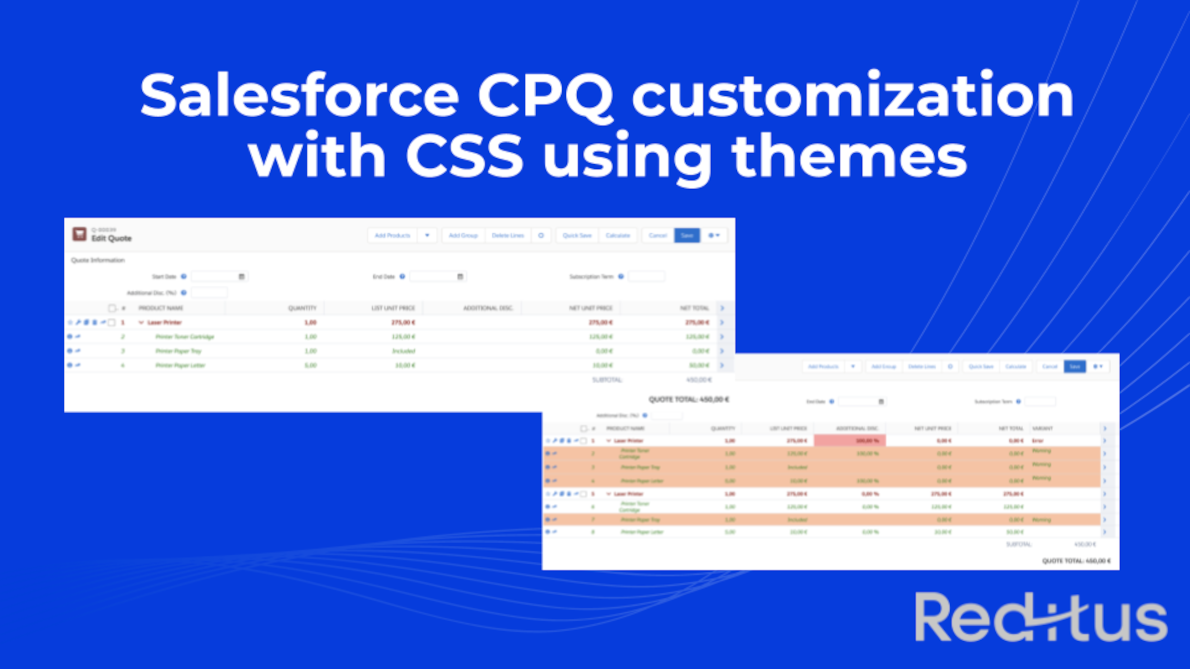
Salesforce CPQ QLE customization with CSS using themes
Ever wanted to use a specific color scheme or CSS rules within Salesforce CPQ QLE (Quote Line Editor)? Look no further and we’ll explain a trick to make the experience better for end users.
Ever wanted to use a specific color scheme or CSS rules within Salesforce CPQ QLE (Quote Line Editor)? Look no further and we’ll explain a trick to make the experience better for end users.
Effective release management for Salesforce is the cornerstone of maintaining a stable and scalable CRM environment.
Imagine your Salesforce org as a well-oiled machine, powering your sales, marketing, and customer service operations.
Now, think about how crucial it is to ensure that every update, customization, or enhancement seamlessly integrates into this machine without causing unexpected hiccups.
Release management in Salesforce is not just about deploying changes; it’s about having a structured repository of your configurations, metadata, and code changes, keeping sandboxes in sync with production, and orchestrating a harmonious flow of updates.
Salesforce CPQ (Configure, Price, Quote) is a strong solution that can assist sales teams in saving time and effort by optimizing the sales process.
With CPQ, you can generate quotes fast and precisely, personalize pricing for each customer, and guarantee that all relevant information is included in each proposal. Unfortunately, simply having Salesforce CPQ is not enough. It must be implemented effectively in order to gain the full benefits.
In this post, we will go over 8 best practices, following the Salesforce CPQ implementation guide, for installing Salesforce CPQ successfully so that you may get the most out of this powerful sales tool.
If you need assistance with your Salesforce Revenue Cloud deployment, please contact us!
Document generation is the ability of generating and managing several types of documents, like reports, proposals, purchase orders, invoices, or contracts. It’s a crucial part of business operations that mostly requires a lot of time and effort. The traditional method of generating documents involves manually inputting data into templates, which is prone to errors and can lead to inconsistent branding across different documents.
This can negatively impact the overall image of a business. With the rise of technology, document generation has become more efficient.
Automation tools like PDF Butler for Salesforce have made it easier for businesses to generate accurate, professional-looking documents, and deliver them to the client quickly. By eliminating manual data entry, companies can save time and resources while improving their brand image.
Reditus, your trusted Salesforce Revenue Cloud Partner in Belgium, is pleased to announce the launch of its new website and introduce its members properly. We hope you enjoy exploring our site, which will contain information about our products and services, useful best practices, tips & tricks, resources, as well as team profiles and updates.
Looking for help with your Salesforce Revenue Cloud implementation, feel free to contact us!